Switching to a Mac
You came from Windows and Outlook. Bring fifteen years of mail with you into Apple Mail instead of leaving it behind on the old machine.
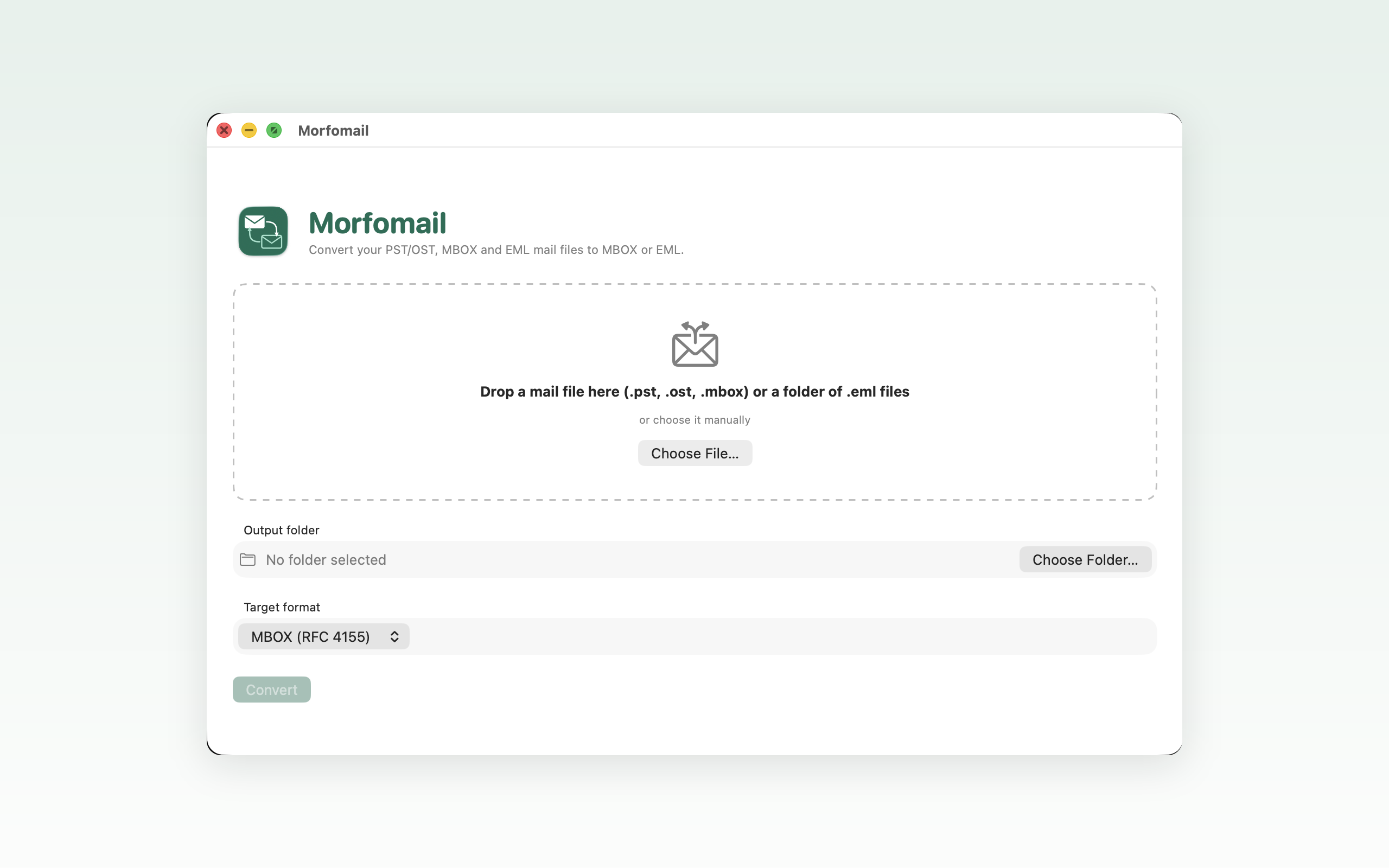
Apple Mail won't open a .pst or .ost. Morfomail converts them to MBOX or EML right on your Mac — in seconds, with every message accounted for.
Runs entirely offline. Your mailbox never leaves your Mac.
The problem
PST and OST are Microsoft's formats. Leave a job, switch to a Mac, or inherit an old archive, and years of correspondence turn into a file nothing on macOS will read. The usual workaround — a web-based converter — means uploading your entire mail history to a stranger's server and hoping for the best.
Morfomail takes the other path: a native Mac app that does the whole job on your own machine.
What it does
Reads
Writes
MBOX opens directly in Apple Mail and Thunderbird. EML gives you one file per message — useful for archiving or handing over a specific thread.
A .pst, .ost, .mbox, or a folder of .eml messages. Outlook doesn't need to be installed.
MBOX to move a whole mailbox into a mail client. EML to keep messages as individual files.
Morfomail writes the output, then checks it against the source and tells you what it found.
Privacy
Your mail is the most complete record of your working life there is. Morfomail treats it that way: the entire conversion happens on your machine, and the only copy of your mailbox is the one already on your disk — before and after.
Not a byte of your mailbox is sent anywhere. Disconnect from the network and it still works.
No sign-up, no licence server, no email address to hand over before you can use what you paid for.
No analytics, no telemetry, no record of what you converted or when.
Who it's for
You came from Windows and Outlook. Bring fifteen years of mail with you into Apple Mail instead of leaving it behind on the old machine.
You exported your mailbox to a .pst on your last day. Now open it on your own Mac, without a Windows licence or an Outlook install.
Keep correspondence in an open, documented format that will still be readable in ten years — not locked to one vendor's client.
An .ost left behind by a disconnected account is normally unusable. Morfomail reads it directly and gets the messages back out.
Integrity
A silently truncated export is worse than no export at all — you only discover it years later, when the message you need isn't there. Morfomail verifies the output against the source and reports what it found, so you know the archive is complete before you delete the original.
Specifications
Questions
No. Morfomail reads PST and OST files directly, so it works on a Mac that has never had Outlook — or any Microsoft software — on it.
No. Every step runs locally on your Mac. You can put the machine in airplane mode and the conversion still completes normally.
Choose MBOX to move a whole mailbox into Apple Mail or Thunderbird — it's a single file the client can import. Choose EML when you want each message as its own file, which suits archiving, sharing individual threads, or feeding another tool.
Large mailboxes are the normal case, not the exception. Morfomail is built natively for macOS and processes them locally, so speed depends on your disk rather than an upload queue.
Email support@morfomail.com with a short description and your macOS version. A person reads it, and a person answers.
Support
Morfomail is made by a small team. Send us a question, a bug report, or a mailbox that refuses to convert — you'll get a real reply, not a ticket number.